
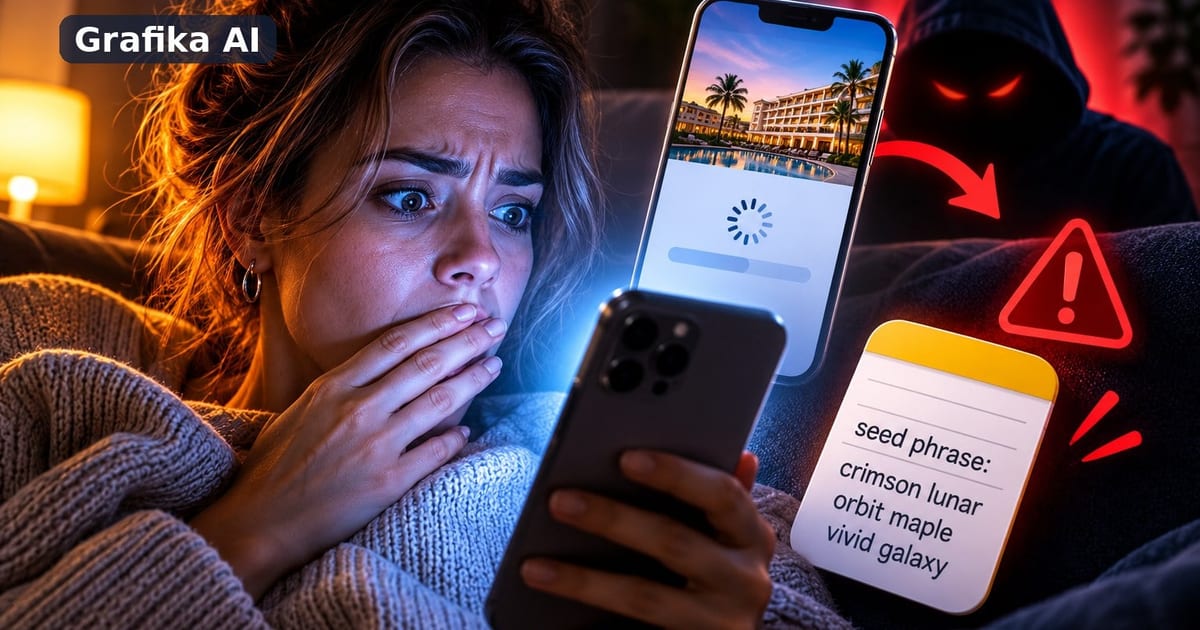
- The MoldyRoost campaign infected iPhones through online ads from May to November. According to Confiant, all you had to do was touch the ad, because the malicious code was launched while the page was loading.
- The code looks for seed phrases in Notes and QR codes in saved photos, as well as data from MetaMask, Phantom, and Trust Wallet. On November 3, the authors added support for the OKX wallet.
- iPhones without updates are at risk. Apple patched the exploited vulnerabilities in iOS 26.3 at the latest, and issued separate patches for older phones.
How the MoldyRoost attack works
Confiant describes an example scenario. A forum user in Hong Kong sees a hotel ad in Cantonese and clicks on it. He lands on a copy of the Hong Kong website of Agoda. He sees a loading bar for 18 seconds and then the website takes him to the real Agoda. At this time, the exploit, i.e. code that exploits the security vulnerability, is already operational.
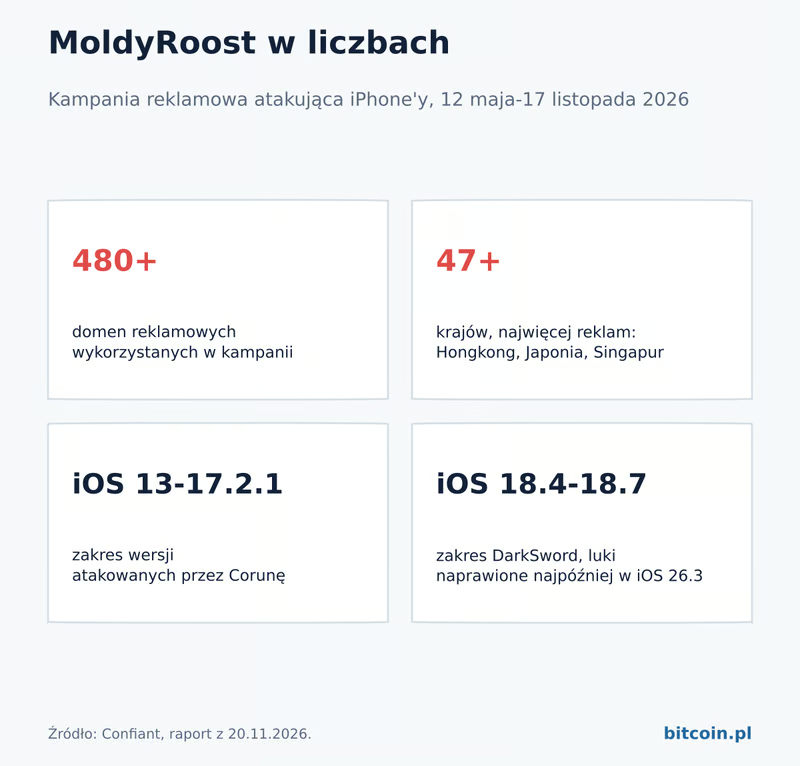
According to Confiant, the campaign ran from May 12 to November 17, used over 480 advertising domains and targeted over 47 countries. The attack worked in Safari, and some variants also worked in browsers built into the Instagram, Facebook, Messenger and Line applications. In addition to the fake Agoda, the baits included fakes of the Cloudflare verification screen, sites pretending to be cryptocurrency security sites, and the “Neon Snake” mini-game.
In the largest group of domains, consisting of 403 addresses, most ads were aimed at Hong Kong (197), Japan (40) and Singapore (22). The report also includes European countries: Great Britain, Germany, France, Italy and Austria.
What thieves look for in a phone
The first toolkit used, Coruna, looks for seed phrases in Notes and QR codes in saved photos. The seed phrase is a dozen or so words that allow you to recreate a cryptocurrency wallet on any device. Whoever has it has money. Coruna also accesses data from the MetaMask, Phantom and Trust Wallet applications. The Confiant campaign code includes support for additional wallets: Bitget Wallet, Tonkeeper and OKX. OKX was added by the authors on November 3.
The second set, DarkSword, steals iMessage, WhatsApp and Telegram messages, keychain passwords, saved Wi-Fi passwords, location history and cryptocurrency wallet data, according to Confiant. One of its variants can take screenshots and record sound through a microphone.
Confiant does not disclose the number of victims or the value of stolen funds. The report describes the campaign mechanism and its tools.

Where do thieves get intelligence-grade tools?
Confiant calls both kits government-grade tools. The company estimates that MoldyRoost is one operation, but does not know whether it is run by one group or whether the owners rent the infrastructure to other criminals.
Which iPhones are at risk
Coruna runs on iOS 13.0 to 17.2.1, and DarkSword runs on iOS 18.4 to 18.7. According to Confiant, Apple has fixed all six vulnerabilities exploited by DarkSword as of iOS 26.3 at the latest. For older phones that didn’t get iOS 26, Apple released iOS 18.7.7 on March 24, and then extended the fix to additional models, Malwarebytes reports. There are also references to iOS 26 in the MoldyRoost code, but Confiant has not found an exploit for this version and does not know whether these fragments work.
Poland is not among the countries mentioned in the report, but Confiant has not published the full list.
What does this mean to you
If you keep your cryptocurrencies in an app on your iPhone, do four things:
- Update iOS. Settings, General, Updates. Also turn on automatic updates.
- Remove the seed phrase from Notes and Photos. Write it down on paper or a metal plate and keep it in a safe place. The phrase on your phone is exactly what MoldyRoost is looking for. In July, PLN 7.6 million disappeared from the wallet of a well-known streamer, and the seed phrase was in a phone secured by KAS.
- Turn on lock mode if you can’t update your phone. This is what Google advised when it described Coruna in March, Cointelegraph reports.
- Don’t log in via ads. Access the bank and stock exchange via the application or by entering the address manually.